场景:本机有ccswitch,用vscode ssh连接remote后,希望codex插件能走本机的ccs配置。
解决方案:
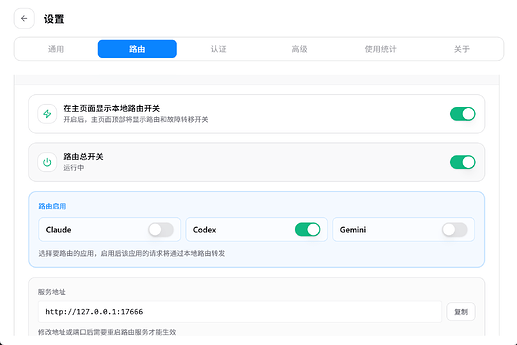
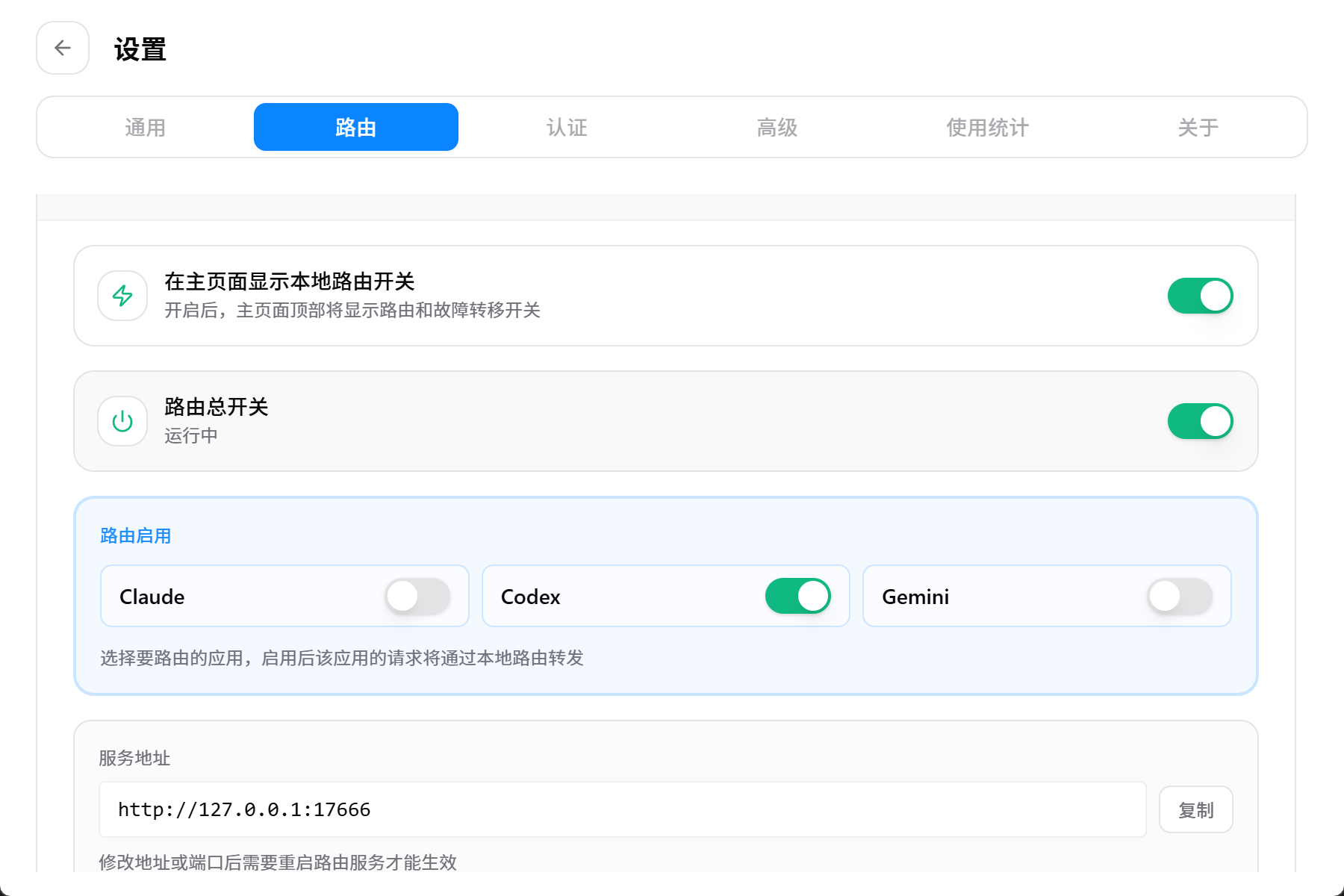
- 本机ccswitch开启路由模式,这里我设定路由端口为17666
- 修改远程主机的
~/.codex/config.toml配置文件:
model_provider = "custom"
model = "gpt-5.5"
model_reasoning_effort = "medium"

[model_providers.custom]

name = "custom"

wire_api = "responses"

requires_openai_auth = false

base_url = "http://127.0.0.1:17666/v1"
- 启用ssh反代,打开ssh配置文件,添加最后两行内容:
Host 192.168.xx.xx
  HostName xxx
  User xxx
  RemoteForward 127.0.0.1:17666 127.0.0.1:17666
  ExitOnForwardFailure yes
- 重启remote的vscode服务:快捷键
shift+ctrl+p,点击Kill VS Code Server on Host - 测试一下,正常运行


2 个帖子 - 1 位参与者
来源: LinuxDo 最新话题查看原文